Roundcube: the new webmail look
Our webmail at roundcube.servermx.com runs the latest Roundcube version, with a new ServerMX design.
Your emails, contacts and settings are unchanged.
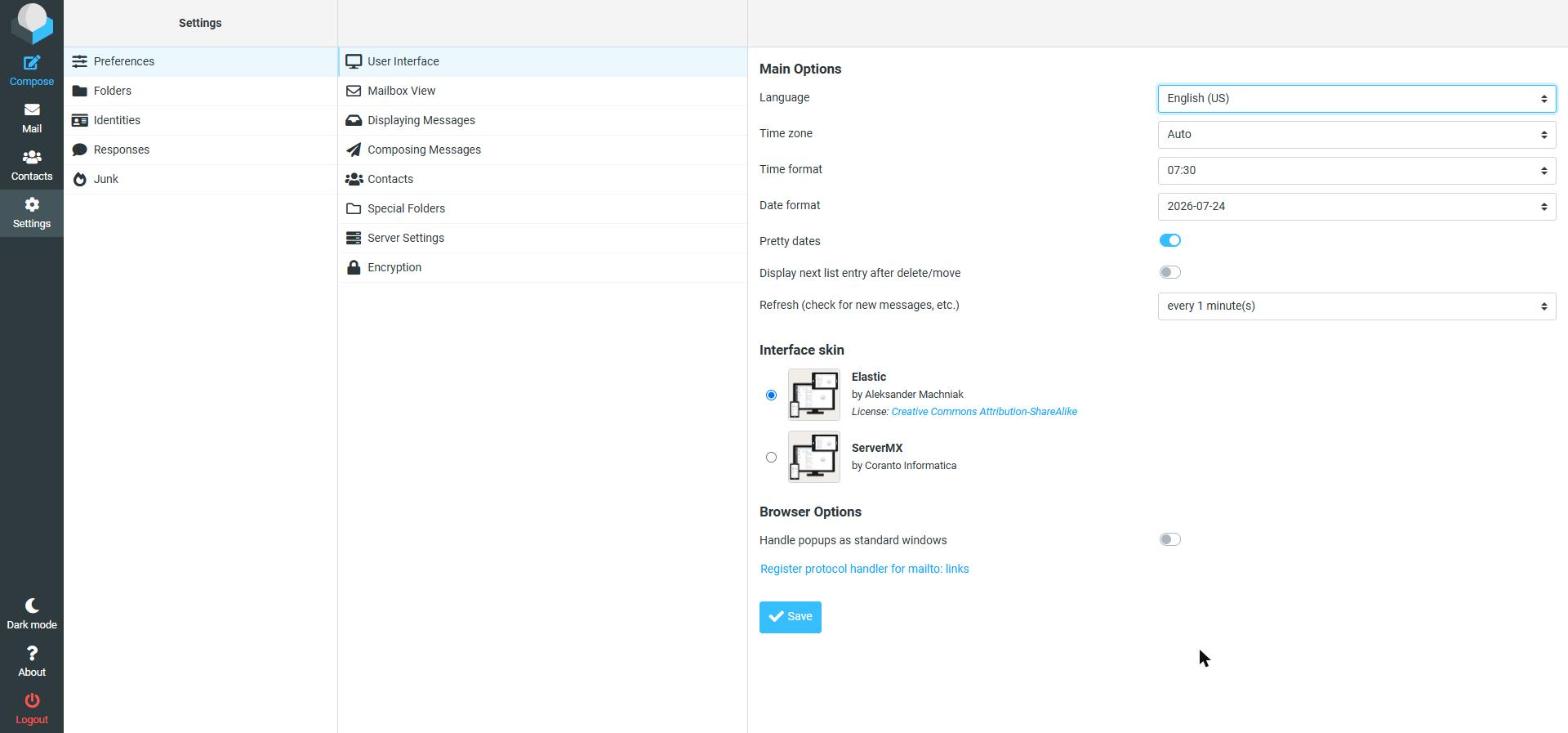
Switch back to the previous look
- Open Settings (the gear icon at the top right).
- Go to Preferences → User Interface.
- Under Interface skin choose Elastic and click Save.
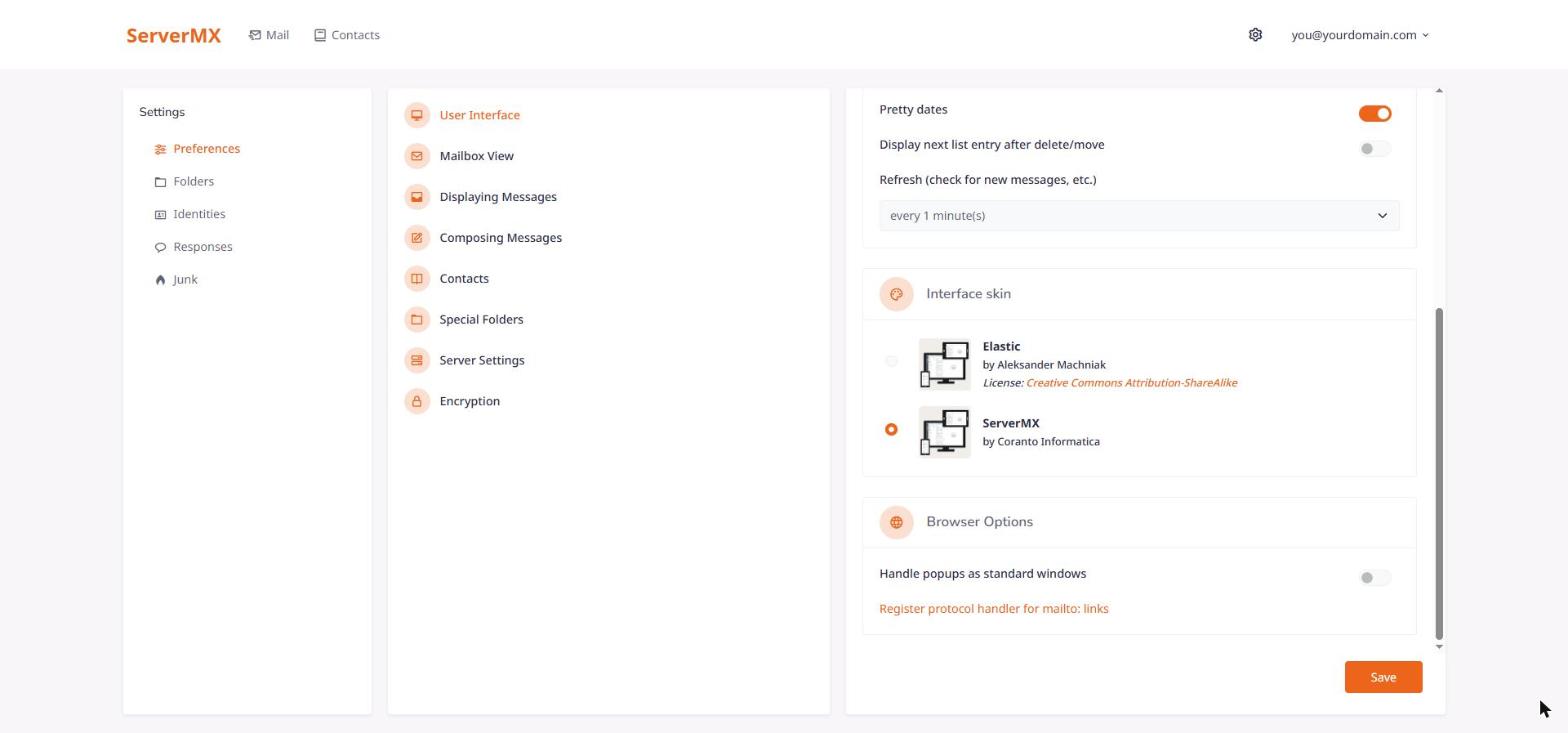
Go back to the ServerMX look
Same place: Settings → Preferences → User Interface → Interface skin, choose ServerMX and click Save.
Looking for the antispam settings? See Advanced Spam/Virus Protection.